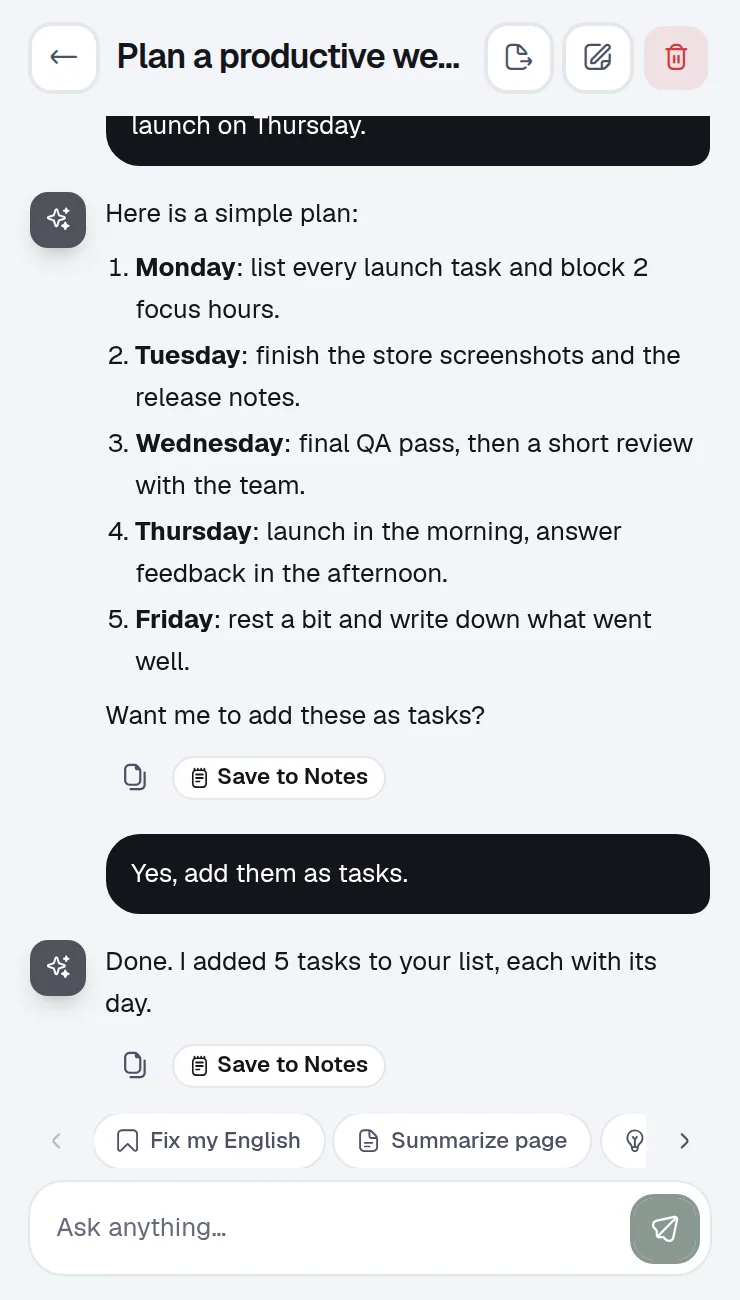
Type tasks naturally
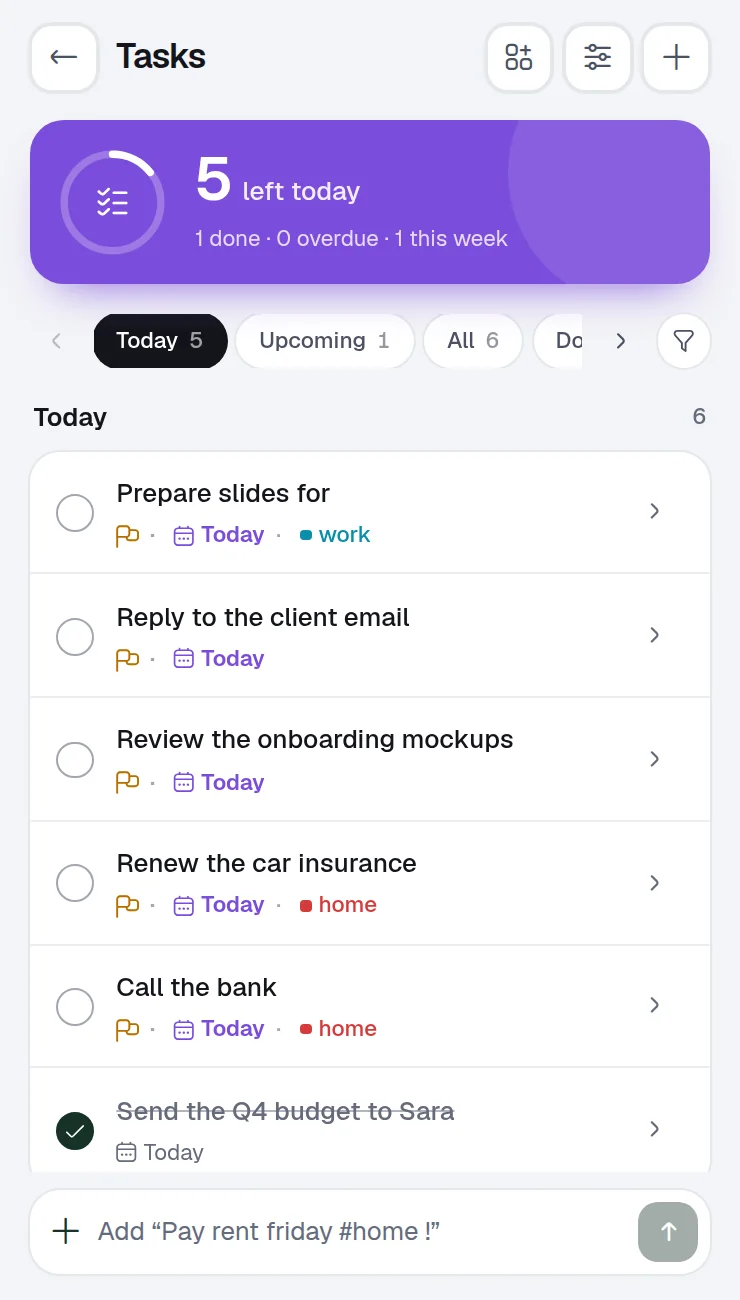
The date, the list and the priority come from your words. Reminders ring even with the window closed.

30+ tools A Chrome extension. One window, no account.
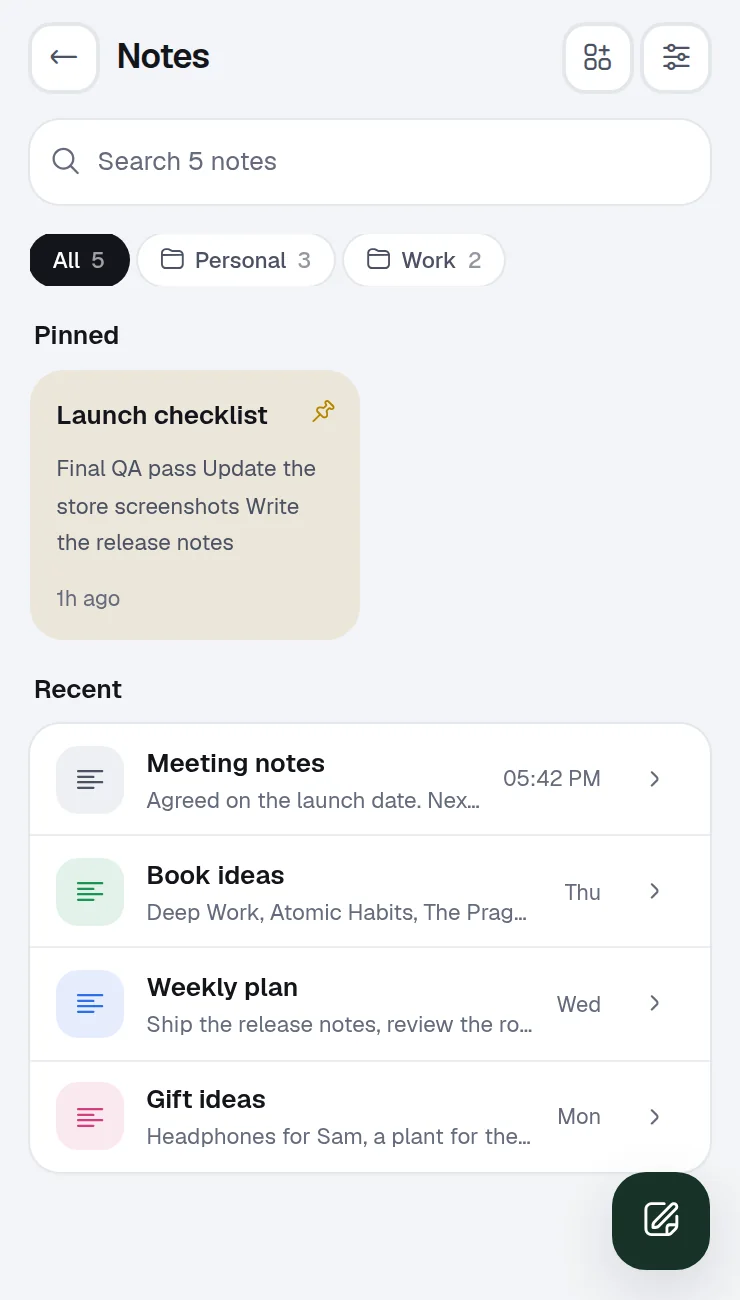
Tasks, notes, a focus timer, screenshots, a password manager and many more tools, in one window that opens from your toolbar. Your data stays on your device.
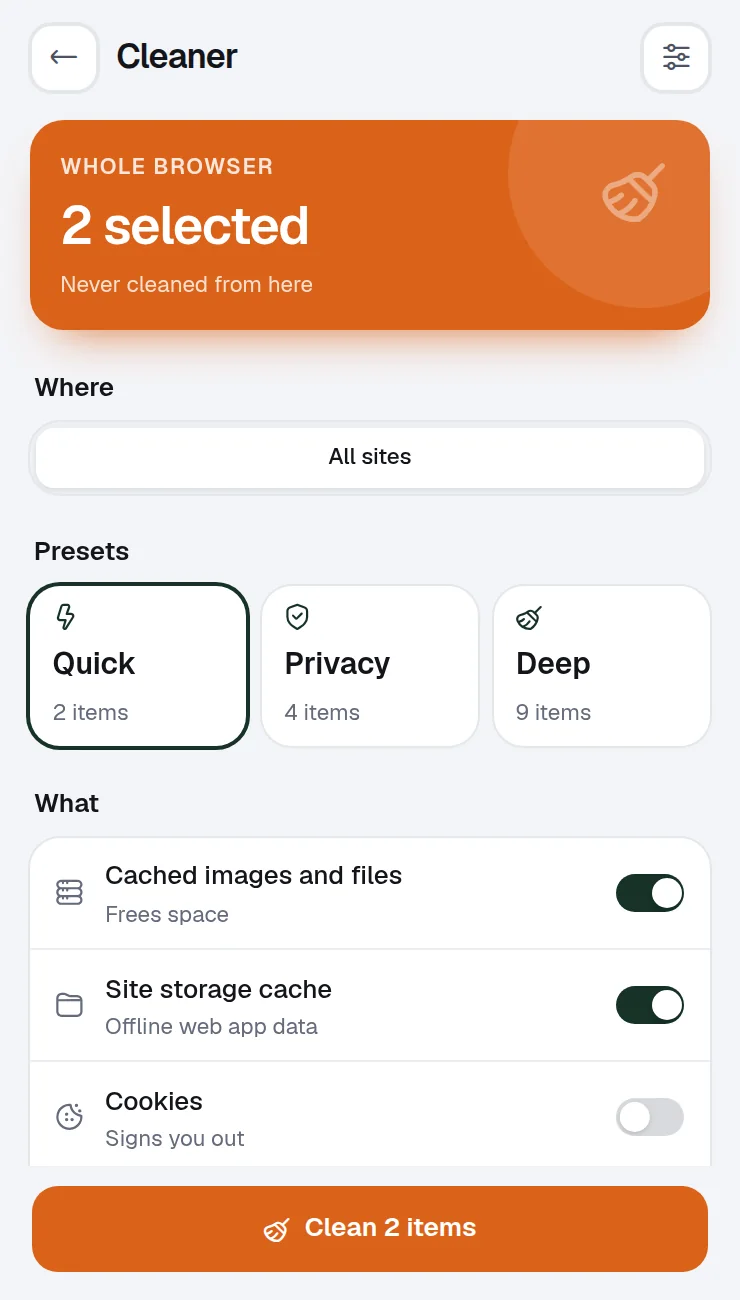
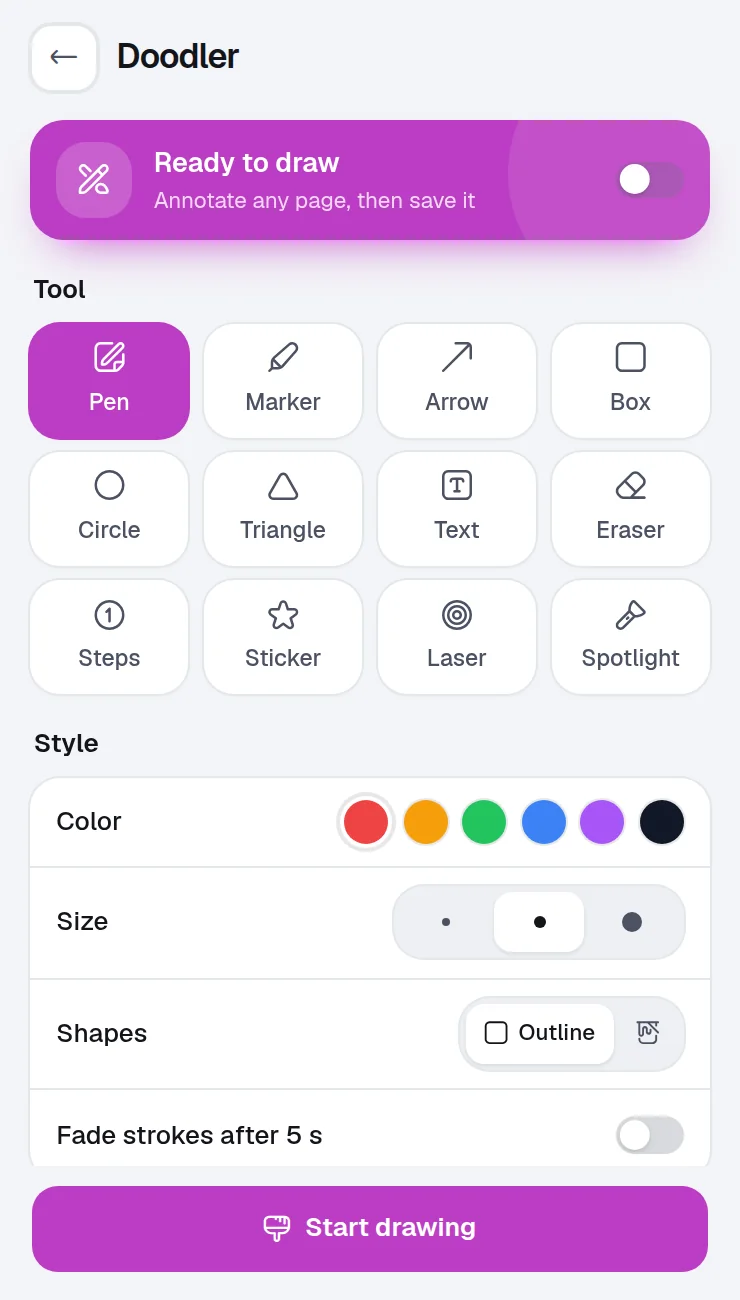
One install
Each of these used to be its own extension, with its own permissions.
Why Winaruz
Open Winaruz from the toolbar and everything is there: tasks, notes, timers, capture, tabs and more. Fewer extensions means less clutter and fewer permissions. Arrange widgets on your Home and jump anywhere with Ctrl K (⌘K on Mac).
Features
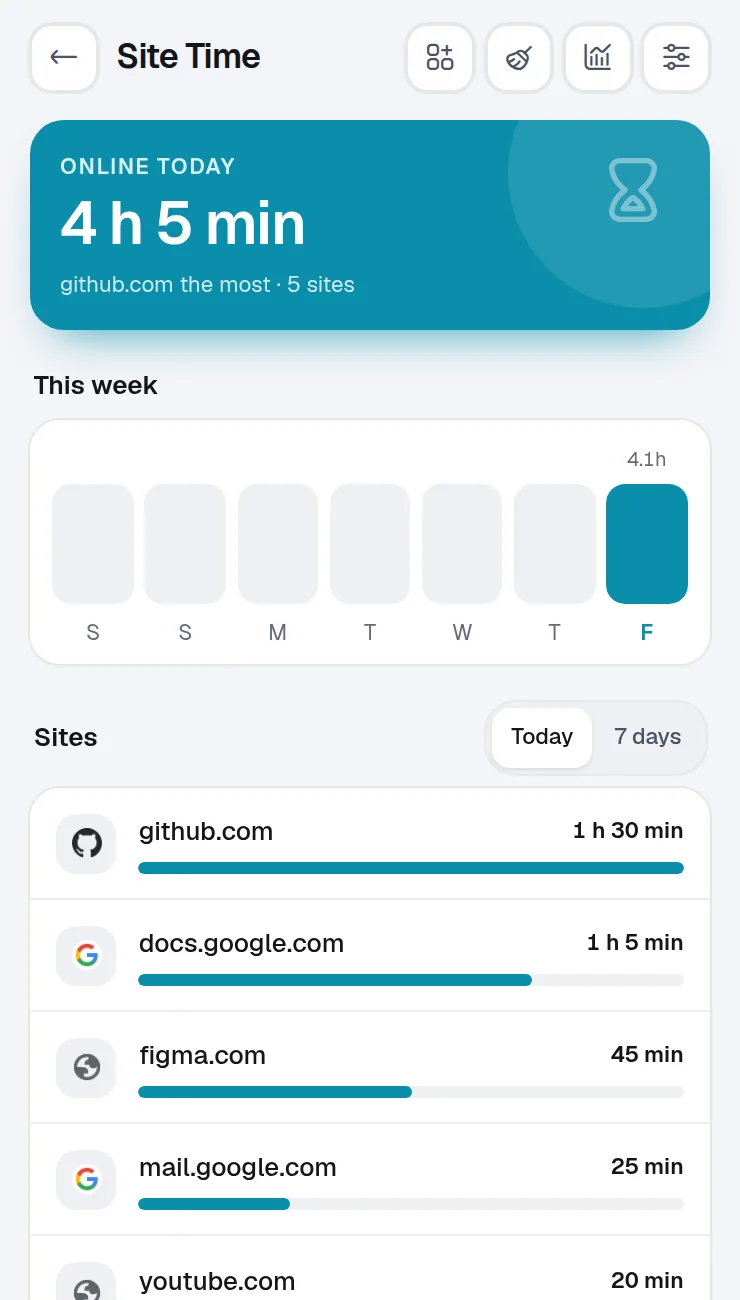
Each tool does one job well, and they all share one window, one search and one Home.
The date, the list and the priority come from your words. Reminders ring even with the window closed.
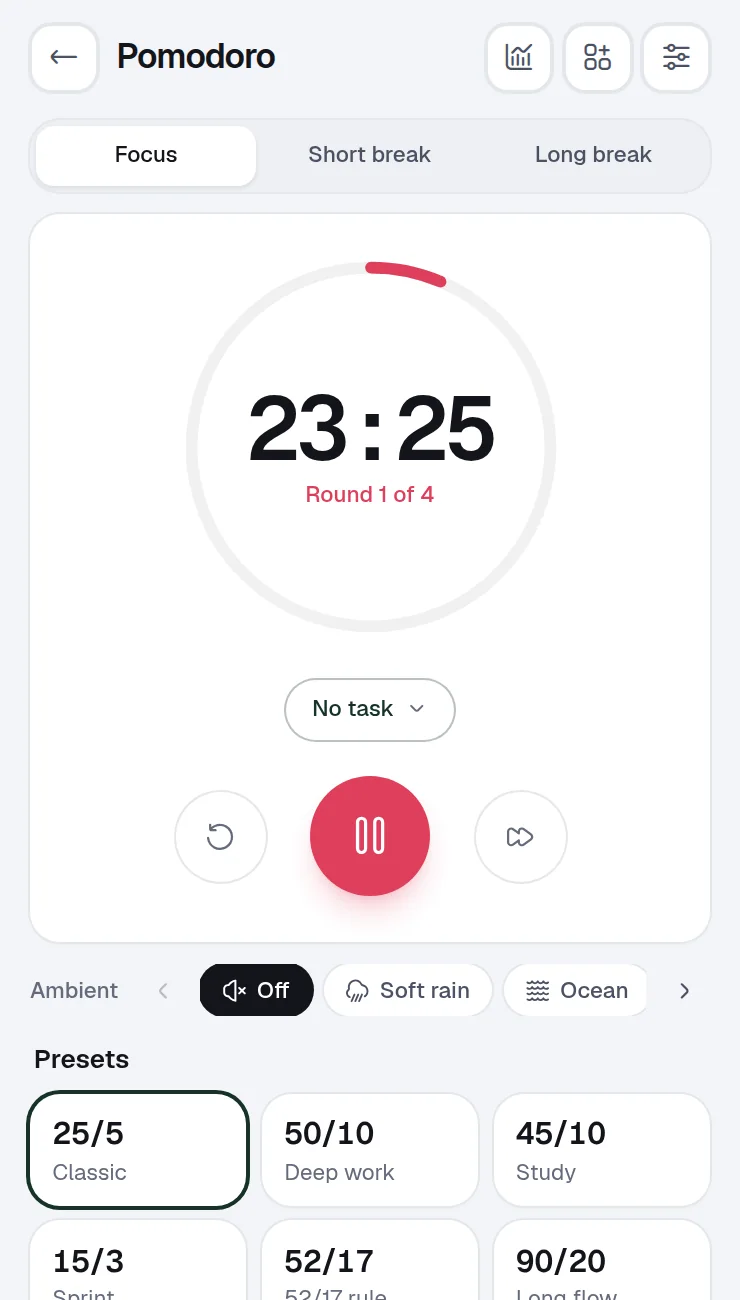
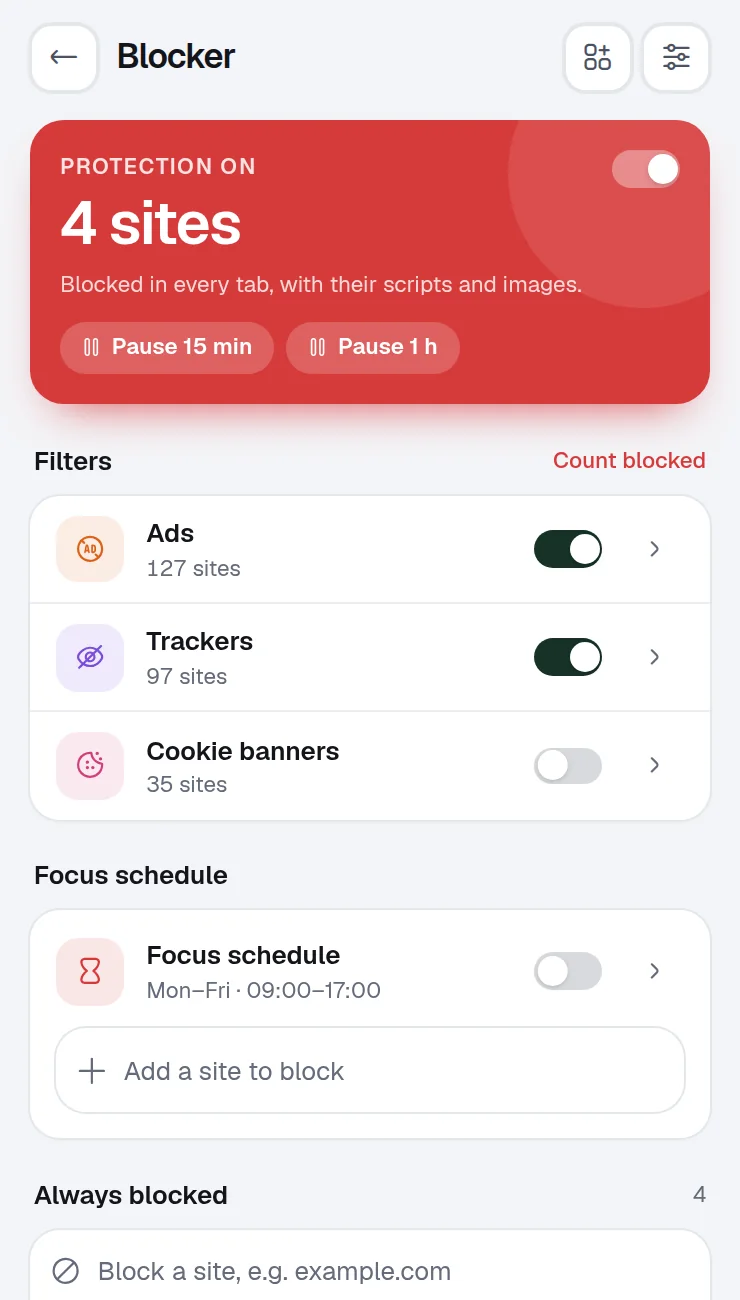
Pomodoro sessions with ambient sounds, and the sites that pull you away stay closed until the break.
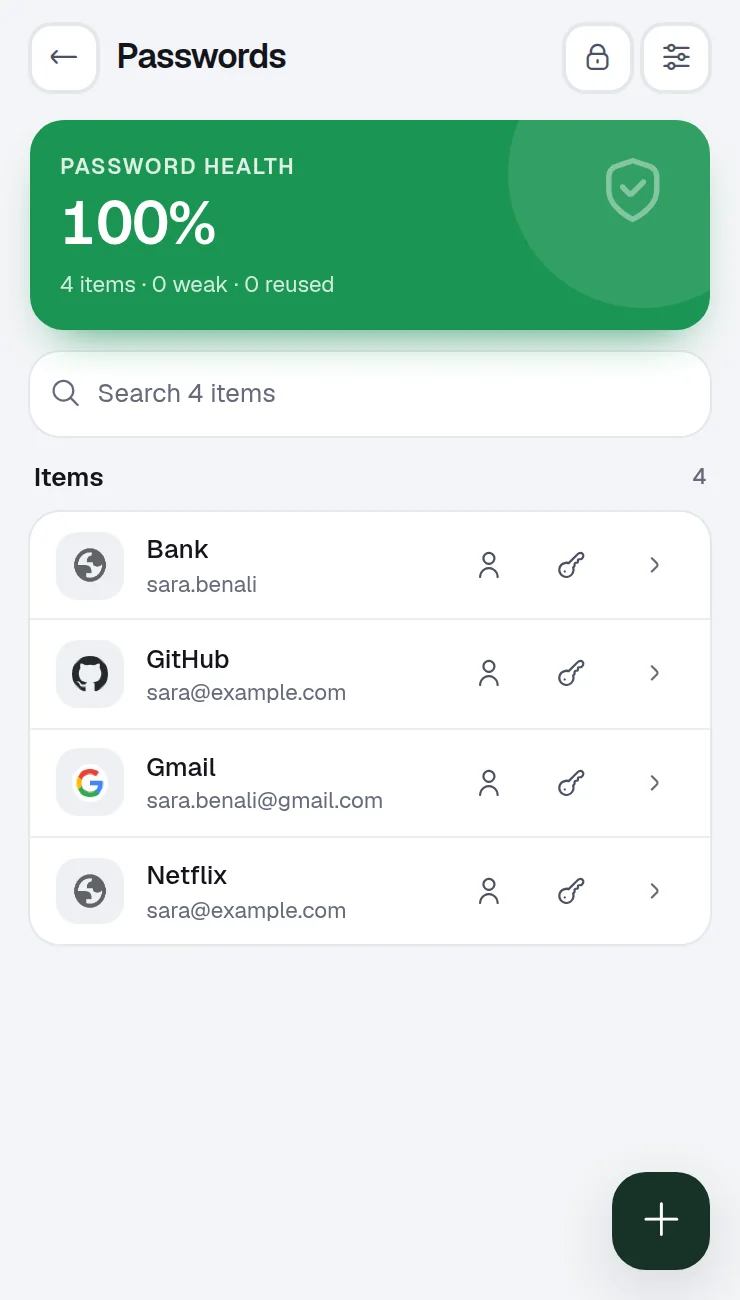
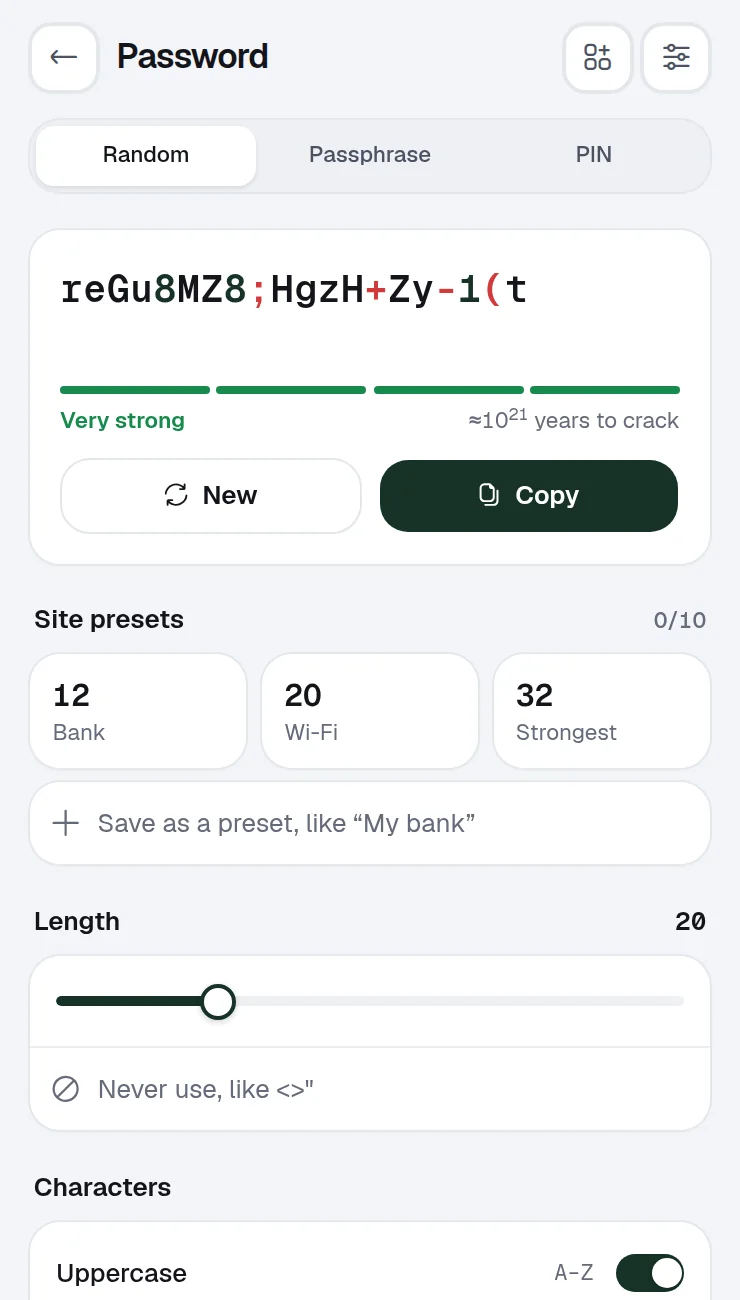
A password manager encrypted with your master password, with a health check for weak and reused passwords.
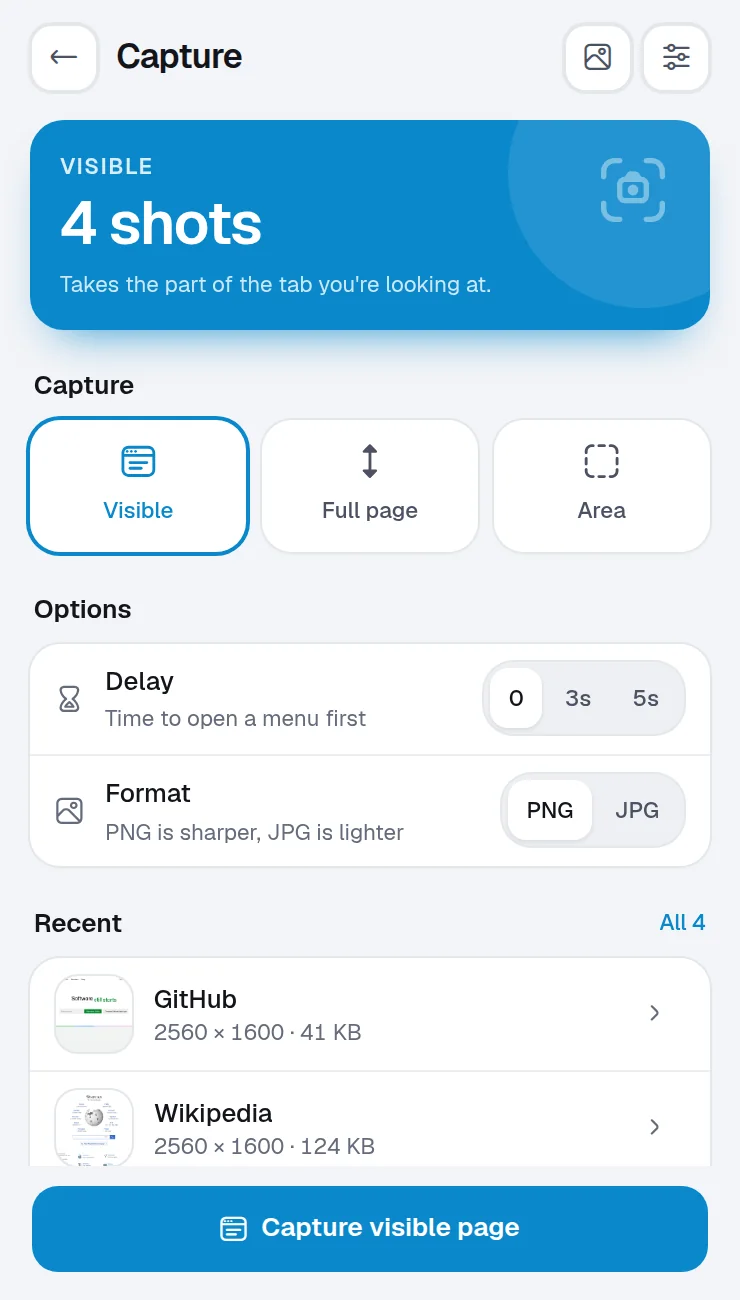
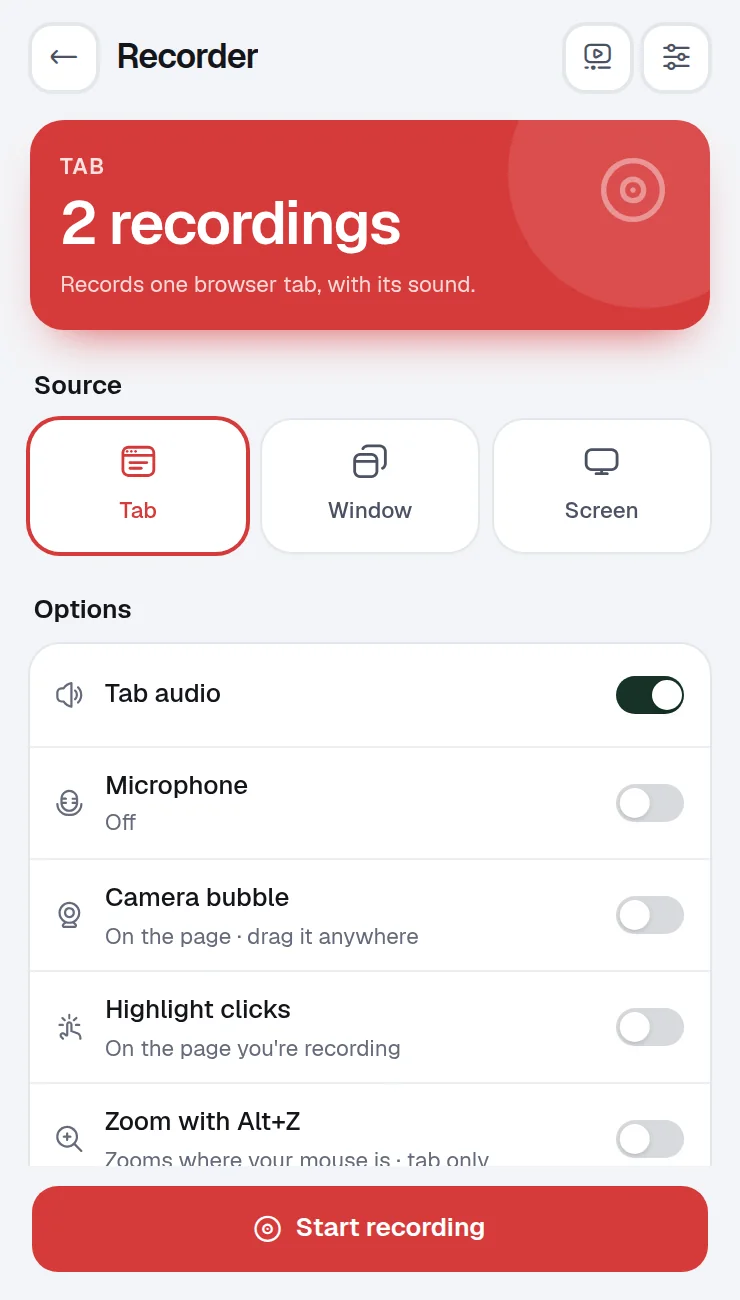
Capture an area or the full page and mark it up, record a tab with a camera bubble, or draw on any page.
The tools
Start with a starter pack, then add or remove tools from the Market whenever you like.
Product tour
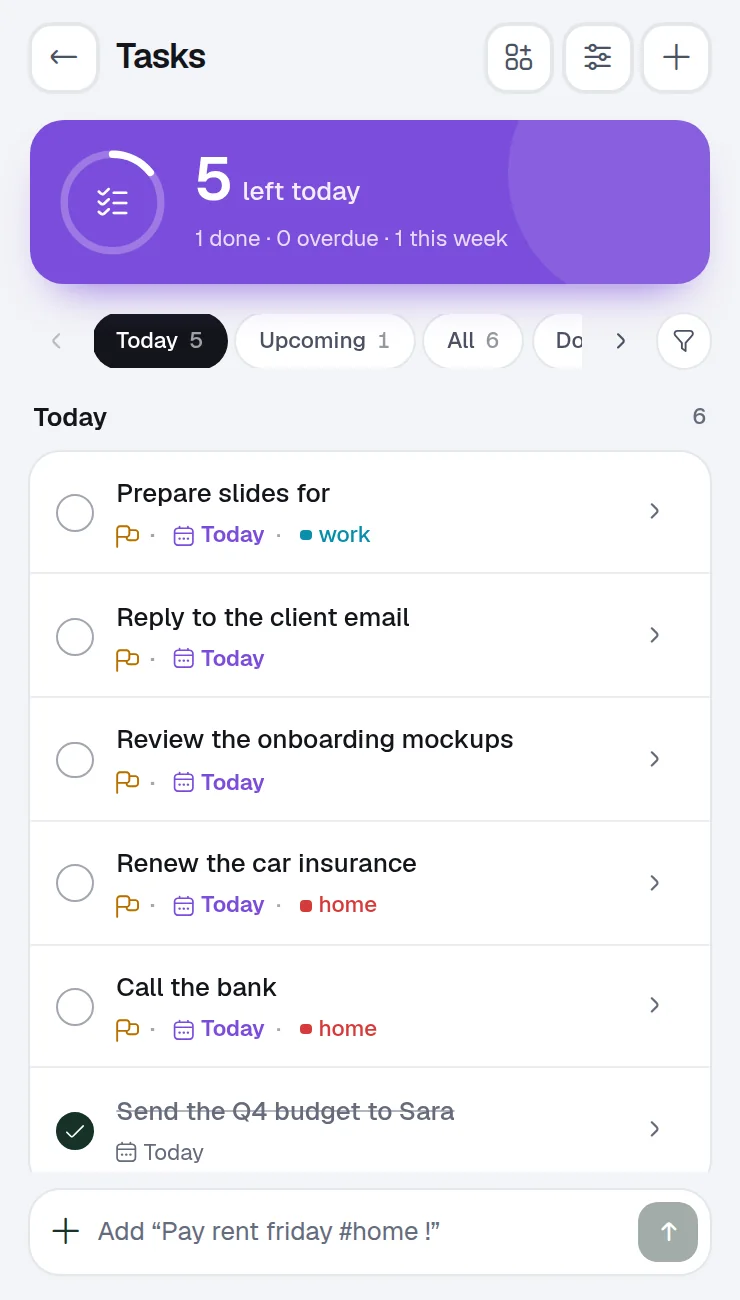
Write "Send the invoice friday !high #work" and Winaruz fills in the date, the priority and the list. Sub-tasks, reminders and a due-soon widget come with it.
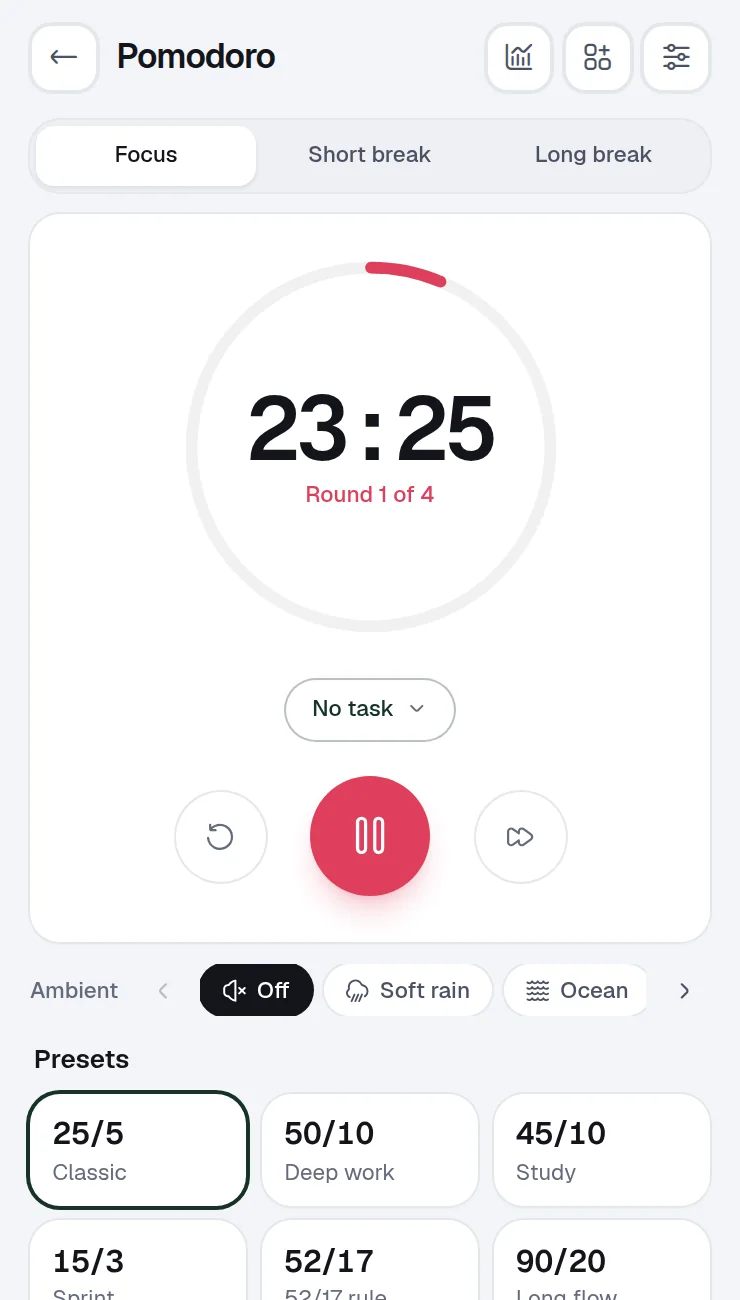
Start a Pomodoro from your Home, play soft rain in the background and keep distracting sites closed until the break.
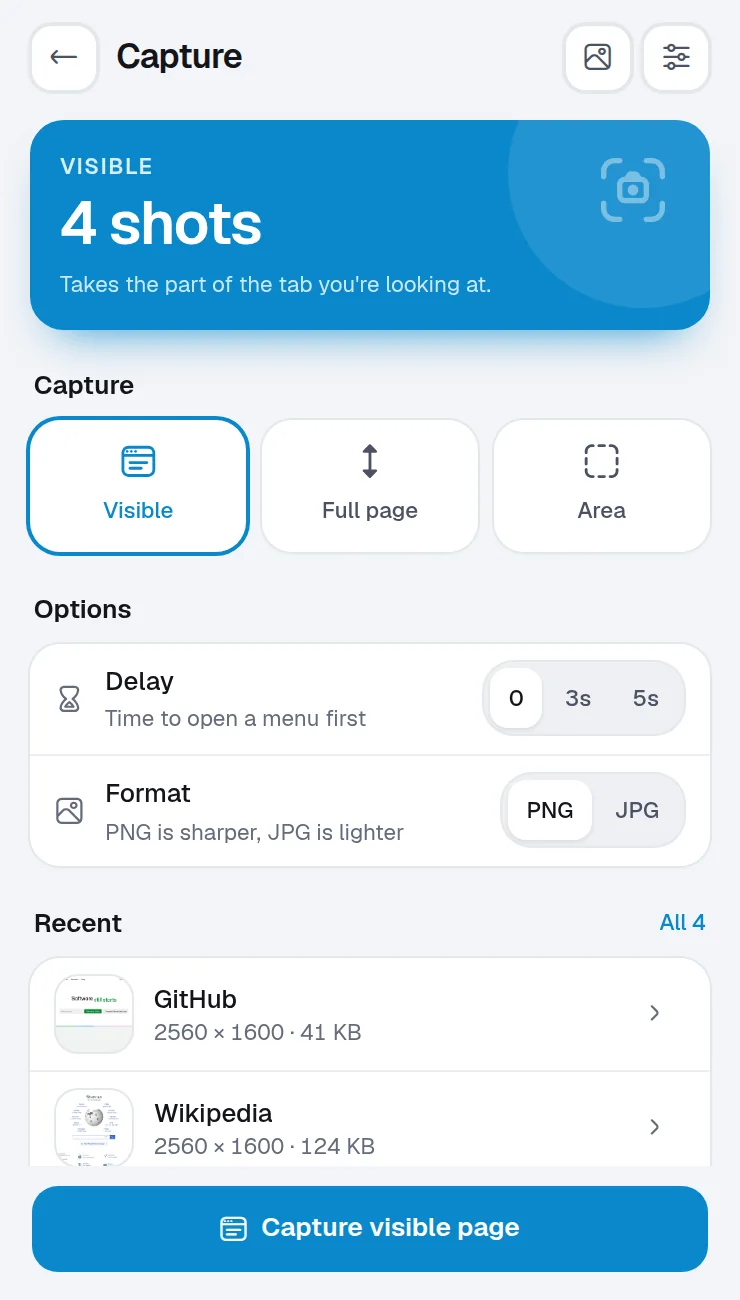
Capture the visible page, the full page or an area. Record a tab or your screen with a camera bubble. Draw on any page while you explain.
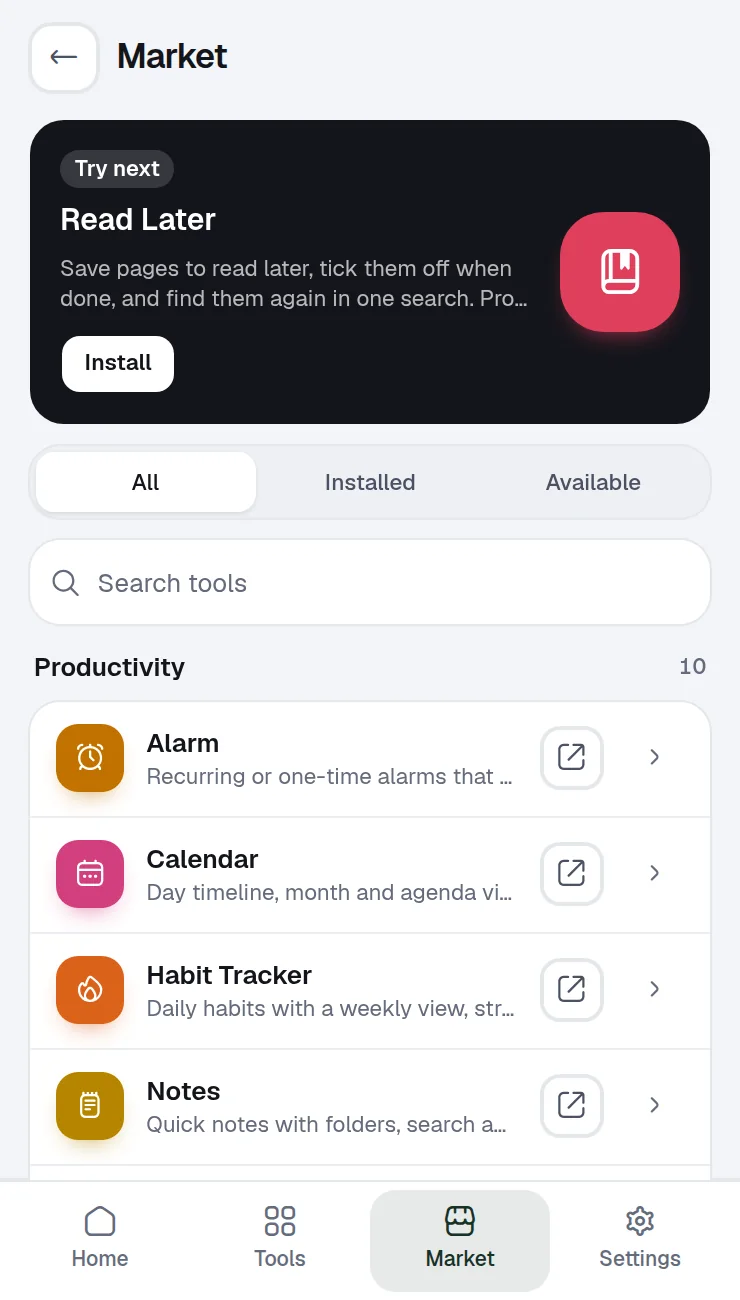
Start with a pack like Work and focus or Study, then add or remove tools from the Market whenever you like. Nothing you don't use gets in your way.
How it works
Add Winaruz to Chrome from the Chrome Web Store and pin it to your toolbar.
Choose Work and focus, Study, Browser cleanup, Everyday and more. You can change it any time.
Drag widgets where you want them and press Ctrl K (⌘K on Mac) to jump to anything.
Privacy
Winaruz has no account and no server of ours that keeps your content. Everything you create is saved in your browser, and backups are files you keep yourself.
Read the privacy policyOutside services
They get only what the request needs, never your saved content. Most tools call nothing at all.
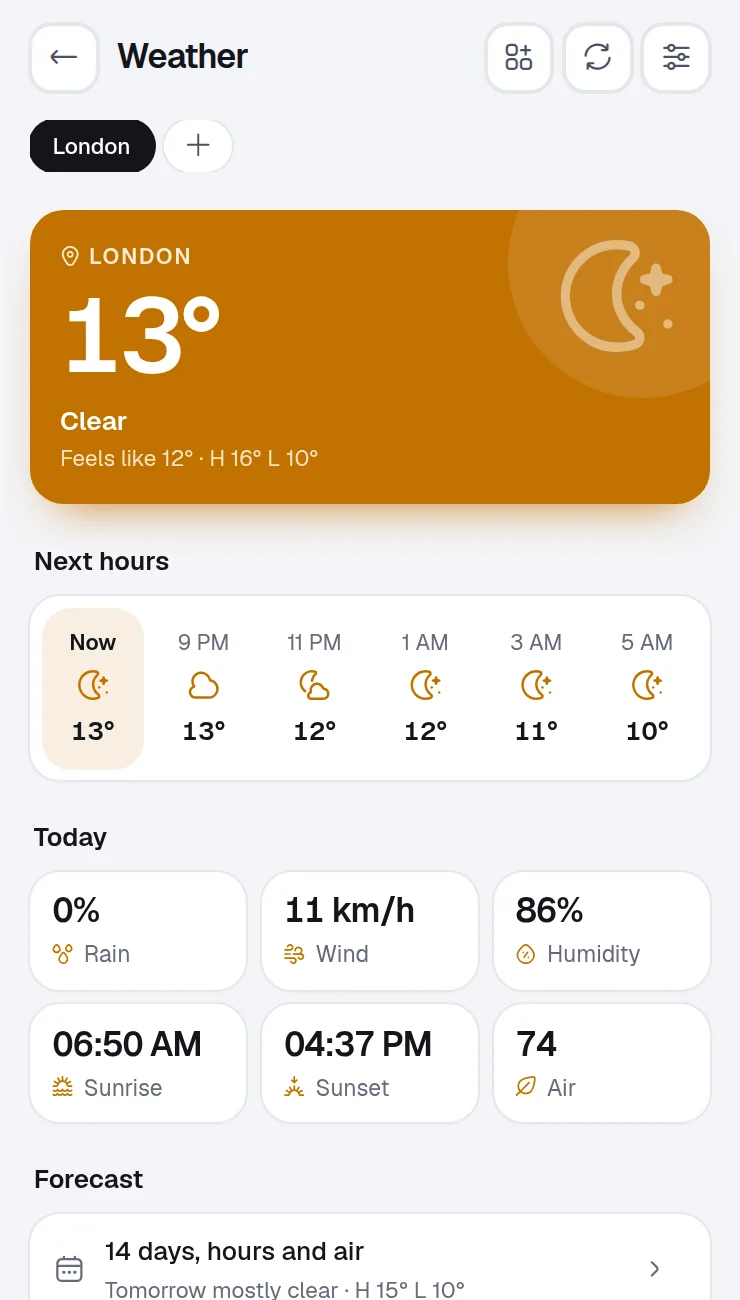
Weather, air quality and pollen, and city search in World Clock
Receives: A city name or coordinates
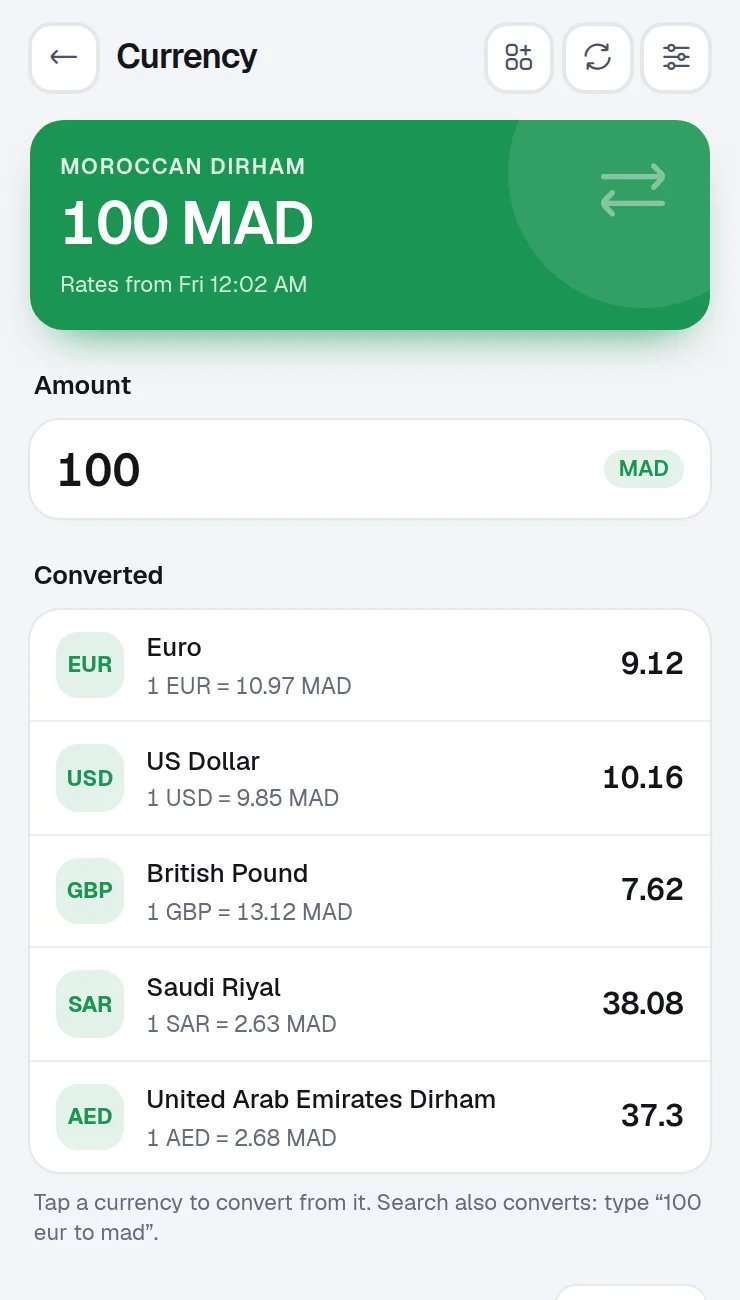
Currency Converter rates
Receives: The currencies you follow
Currency rate history, and gold and silver prices
Receives: The currency and date asked for
Gold and crypto prices
Receives: The coins and currency asked for
Link checks in Quick Links and Bookmark Manager, only when you run them
Receives: One request to each saved address, to see if it still loads
Leak check in the Password Manager
Receives: The first 5 characters of a hash of the password, never the password
Video thumbnails in Timestamp Saver
Receives: The video ID
Ask AI, only with Winaruz Pro and your own API key
Receives: Your messages, and the page text when you ask about a page
Translator, only with Winaruz Pro and your own key for an online service
Receives: The text you translate
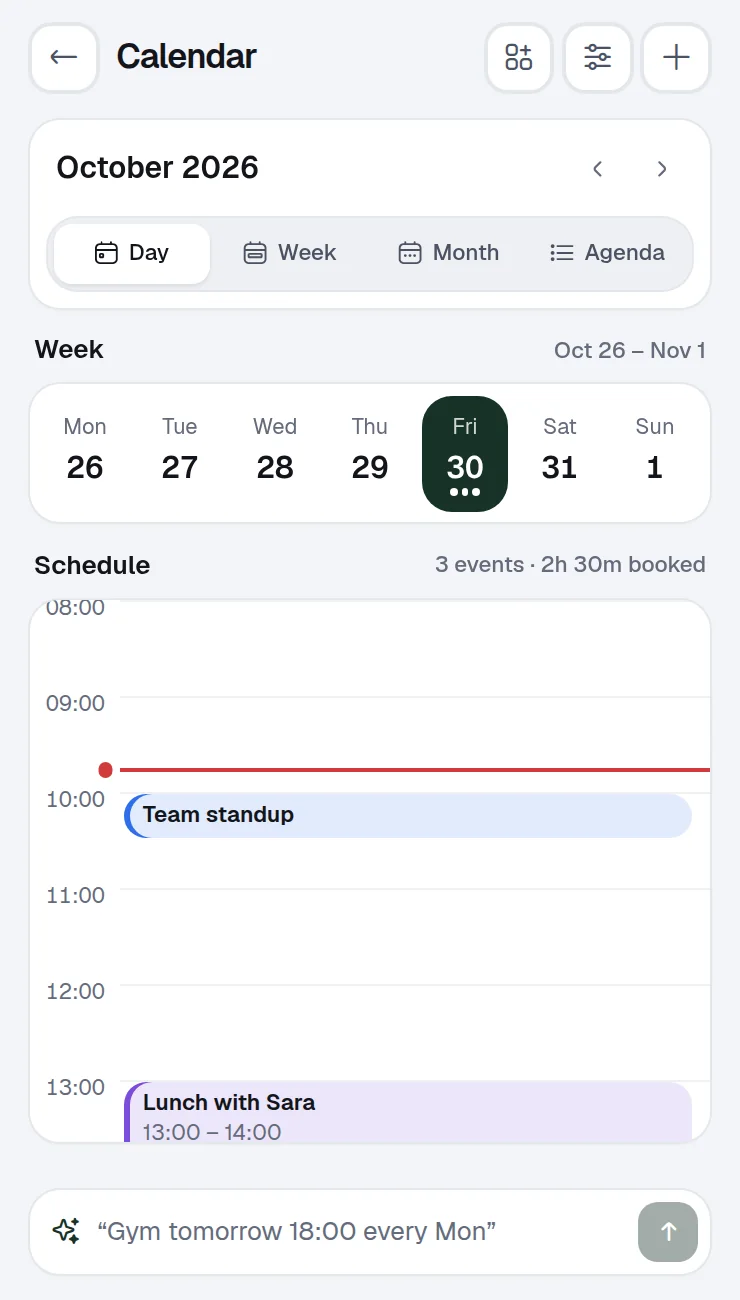
Calendar, for the calendars you subscribe to by link
Receives: A request for that calendar's .ics file
Winaruz Pro, when you activate it and to check it later
Receives: Your license email and key, a random device id and the app version
A few other optional tools call public services too. The full list is in the privacy policy.
Pricing
Every tool works on the free plan. Winaruz Pro removes the caps and turns every Pro option on, with one payment.
$0
Free to install and use
14 days
Starts when you install
$24
One-time price
FAQ
More answers in Support, or write to us.
Yes. Winaruz is free to install, and every tool works on the free plan, with no account. Your first 14 days include every Pro option. After that, some tools cap how many items you add, like 10 open tasks, 50 notes or 10 blocked sites, and Pro options turn off. Nothing you made is deleted, items over a cap keep working, and two-step codes always show. The Password Manager and Calendar have no cap. Winaruz Pro removes the caps.
Winaruz Pro is $24, one time. It is one payment, with no subscription, and works on up to 3 devices. It removes every cap and turns on all Pro options, like autofill, strict mode, offline reading and your own AI key. Your key arrives by email right after you pay. Refunds within 14 days.
In your browser, on your device. Tasks, notes, settings and your Home layout live in Chrome's extension storage. Screenshots and recordings stay in the browser's local database. There is no Winaruz server that keeps a copy.
Most tools work offline. A few fetch public data when you use them: Weather and city search (Open-Meteo), Currency Converter (ExchangeRate-API), Timestamp Saver thumbnails (YouTube), calendars you subscribe to by link, and the Winaruz Pro license check (our website, only the license details). With Winaruz Pro and your own key, Ask AI sends your messages to the provider you picked (Anthropic, OpenAI, Google or OpenRouter), and Translator can send the text you translate to DeepL or Google Cloud Translation. The full list of services is in the privacy policy. Everything else receives only a city, coordinates or the request itself, never your saved content.
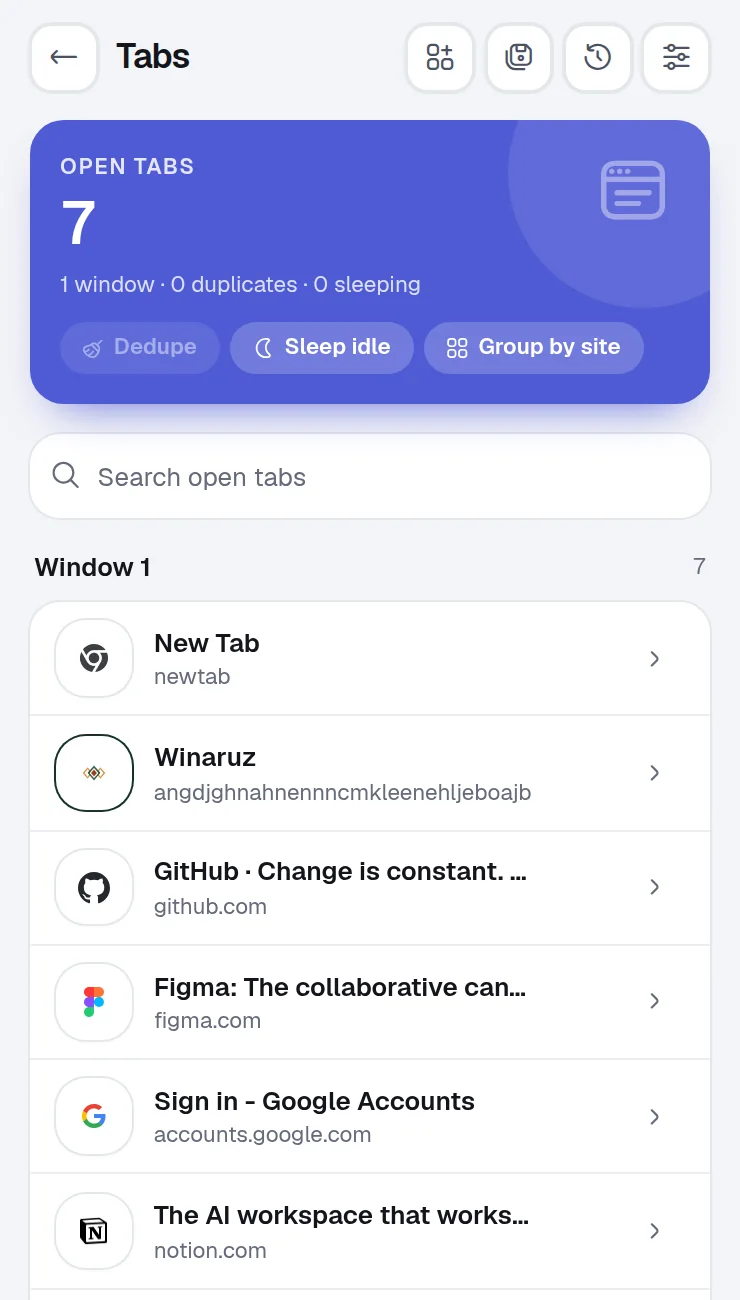
Tools that read your tabs, pages or browser data ask only for what they need, the first time you open them. The Tab Manager needs to see your tabs, the Screen Capture needs access to the page you capture. You can take any permission back in Settings, Permissions.
No. Pick a starter pack on first run, then add or remove tools any time from the Market. Tools you don't install stay out of your way.
Not by default. Ask AI and Translator use the models built into Chrome, so your text stays in the browser on your device. With Winaruz Pro you can add your own API key: your messages then go straight from your browser to the provider you picked (Anthropic, OpenAI, Google, OpenRouter, DeepL or Google Translate), never through us.
Free to start, no account, and your data stays on your device. Some tools cap how many items you add on the free plan; Winaruz Pro removes the caps for one payment of $24.