Free plan
Everything in "What it does", with no cap.
No account and no card. When the trial ends, nothing you made is deleted.

Screen Doodler
Utility tool in Winaruz
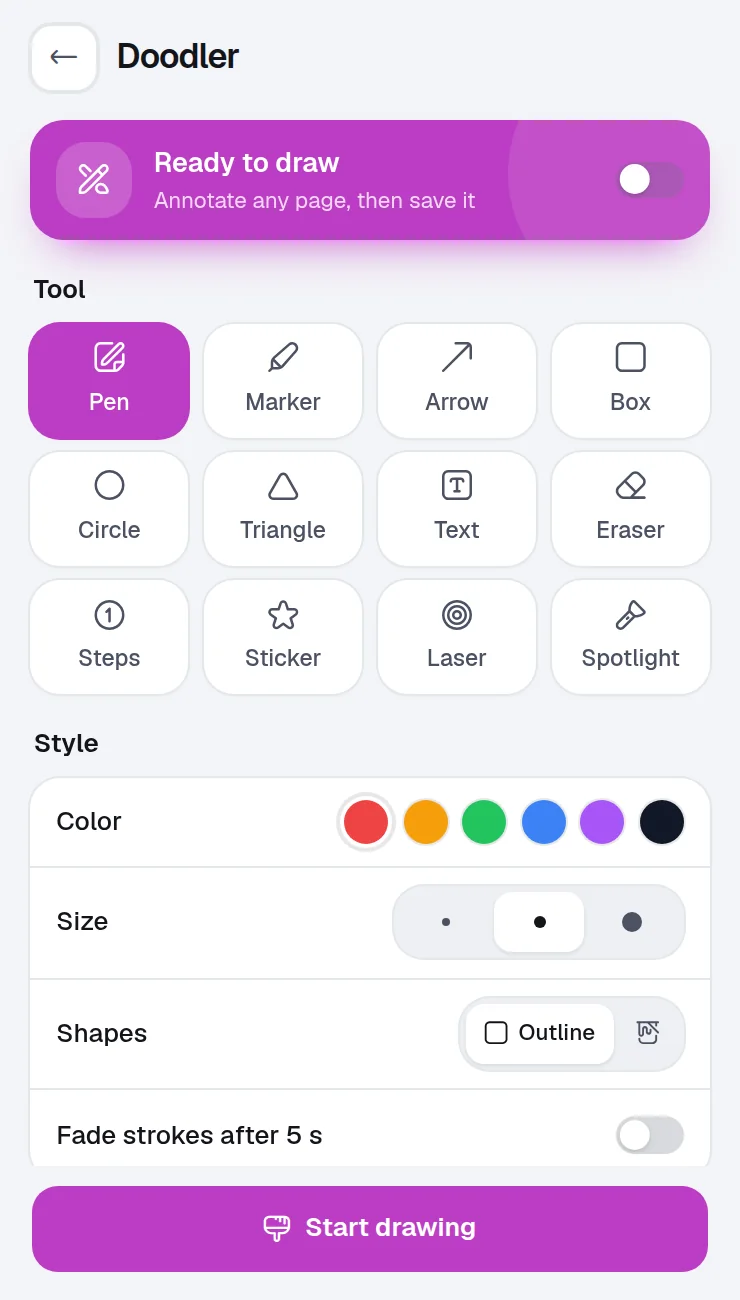
Put a pen, a marker, shapes and text over the page you are on, explain something with a laser or a spotlight, then save the page as an image.
What it does
Draw, highlight, add arrows, boxes and text on any web page, then save it as an image.
Arrows, boxes, circles, triangles, steps and text, in the color and size you pick.
Ticks, crosses, stars and arrows to point at things.
Point at things while you present, without leaving marks.
Strokes can fade after 5 seconds, handy while you record.
Keep the page with your drawing as a picture.
Ctrl+Z undoes and Esc stops drawing.
Each one is asked only the first time you open Screen Doodler. You can take any of them back in Settings › Permissions.
| Permission | Why Screen Doodler needs it |
|---|---|
| Work inside a page | Run this tool on the tab you choose |
| Access the current page | Needed to capture, draw on, fill or read the tab you are on |
Your drawings and saved images stay on this device. No account, no analytics.
Screen Doodler works entirely in your browser.
Pricing
Your first 14 days include every Pro option.
Everything in "What it does", with no cap.
No account and no card. When the trial ends, nothing you made is deleted.
Removes the caps of the other tools, $24 one time, on up to 3 devices.
FAQ
No. Your drawing sits on top of the page, only on your screen.
To put the drawing layer on the tab you choose. It is asked when you first draw, and you can take it back in Settings.
Yes. Winaruz Pro adds drawings saved on pages.
Record a tab, a window or your screen with audio, microphone, a camera bubble and click highlights.
Screenshot the visible page, the full page or an area, mark it up, then copy or download it. Pro hides private info for you.
Pick any color on your screen and copy it as HEX, RGB or HSL. Pro adds palettes.
Save moments of YouTube and other videos with a note, then jump back in one click.
Convert length, weight, temperature, data, speed, area, volume and time.
Make styled QR codes with your colors and logo, export them as PNG or SVG, and scan codes shown on a page or in an image.
Free to start, no account, and your data stays on your device. Some tools cap how many items you add on the free plan; Winaruz Pro removes the caps for one payment of $24.