Free plan
Everything in "What it does", with no cap.
No account and no card. When the trial ends, nothing you made is deleted.

Password Manager
Assistance tool in Winaruz
Keep your logins in a vault locked with your master password. It is encrypted on your device, and there is no copy on any server.
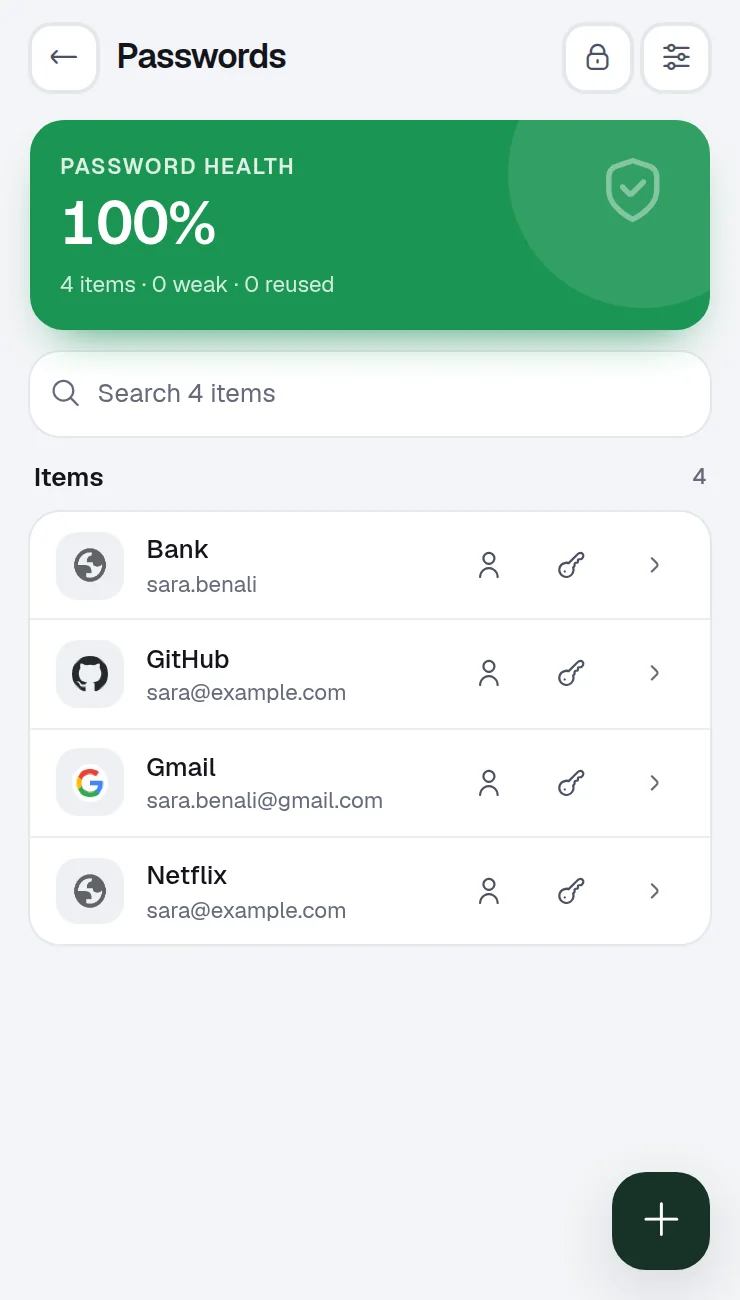
What it does
Logins encrypted with a master password (AES-256), stored only on this device. Pro adds two-step codes and autofill on websites.
Your vault is encrypted with a key derived from your master password (PBKDF2, AES-GCM).
No account and no sync server. Nothing to breach on our side.
Spot weak and reused passwords at a glance.
The vault locks after a few minutes without use, so an open laptop is not an open vault.
A copied password is removed from the clipboard after 30 seconds.
Import a CSV from Chrome, Edge, Brave, Firefox, Safari or Bitwarden, and keep backup codes in case you forget the master password.
Each one is asked only the first time you open Password Manager. You can take any of them back in Settings › Permissions.
| Permission | Why Password Manager needs it |
|---|---|
| Clear the clipboard | Remove a copied password after 30 seconds, even when this window is in the back |
Your logins are encrypted with your master password before they are saved on this device. We never see the master password. No account, no analytics.
Only when you run the leak check (Pro): the first 5 characters of a hash of each password, never the password itself.
Pricing
Your first 14 days include every Pro option.
Everything in "What it does", with no cap.
No account and no card. When the trial ends, nothing you made is deleted.
Removes the caps of the other tools, $24 one time, on up to 3 devices.
FAQ
It cannot be reset by us. Use one of your backup codes: each one opens the vault once.
No. It stays on your device. Use backups to move it.
Yes, with no cap on logins. Winaruz Pro adds two-step codes, autofill and the leak check.
No. The Password Manager is never shared with Ask AI.
Chat with Chrome's on-device AI for free. Pro lets you bring your own key for Claude, GPT and Gemini, which can also open tabs and add tasks and notes for you.
Translate text offline with Chrome's built-in translator. Pro adds whole pages and online translation with DeepL, Google or your AI key.
Strong random passwords, generated locally.
Save the texts you type again and again, copy them in one tap or type a shortcut in any field.
A history of the text you copy in Chrome, with search and pins. Stays on this device. Pro adds a paste picker in any field.
Free to start, no account, and your data stays on your device. Some tools cap how many items you add on the free plan; Winaruz Pro removes the caps for one payment of $24.